Main Screen
On a singleplayer world, you can create a main screen that the player will see when they join the world 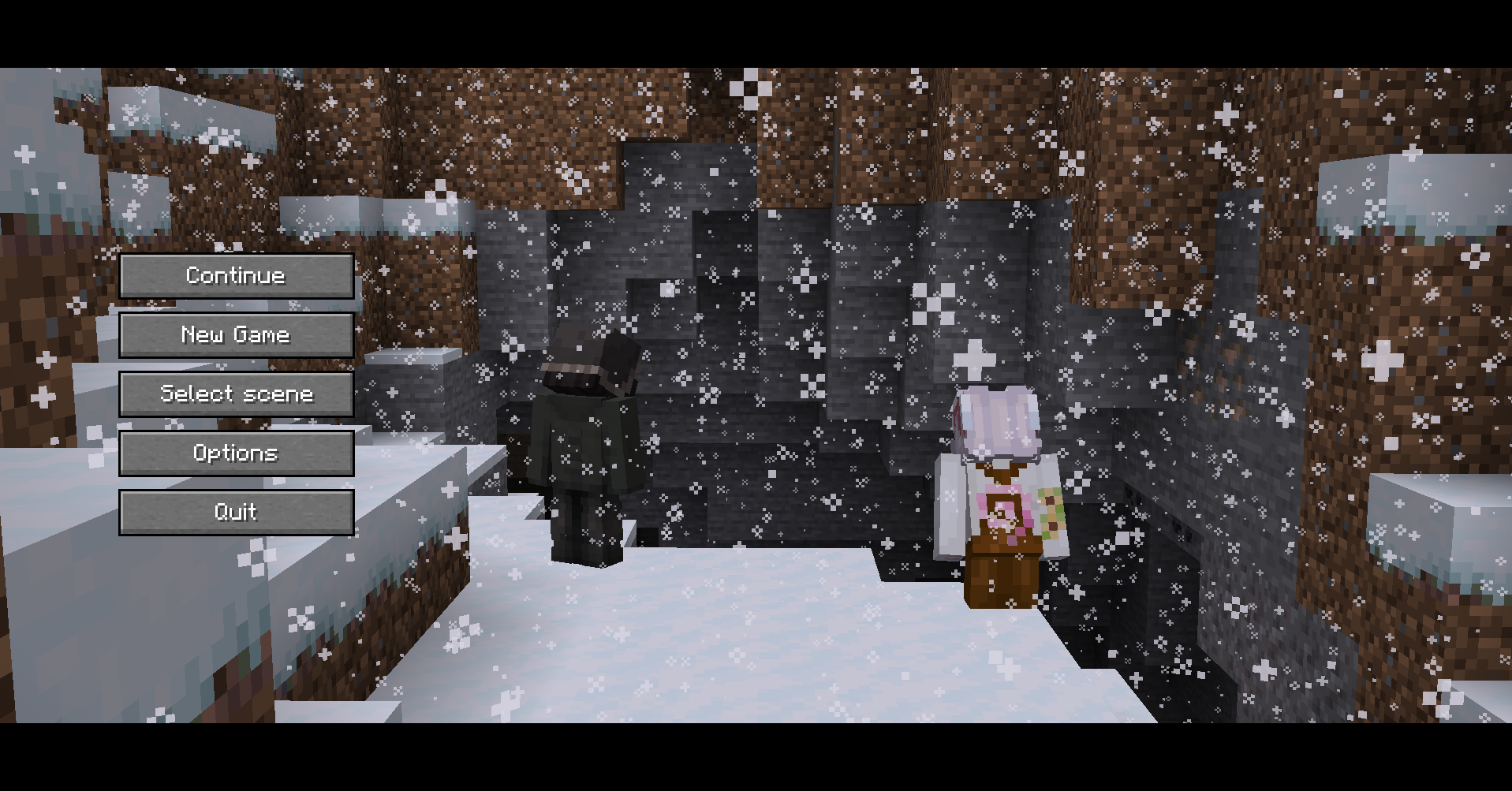
Making the background
Open the story manager, click the gear icon and click on Main Screen Editor, you will enter an editor exactly like a camera angle, but the differences are that :
- You can add only one camera view
- You can't add template characters
When you're done setting up your scene, save and leave.
Play music
If you want to play music when the screen is shown, take your music, convert it to ogg, and name it exactly main_screen.ogg.
Then, in your resource pack, place your main_screen.ogg in narrativecraft/assets/sounds/music/main_screen.ogg
Logo
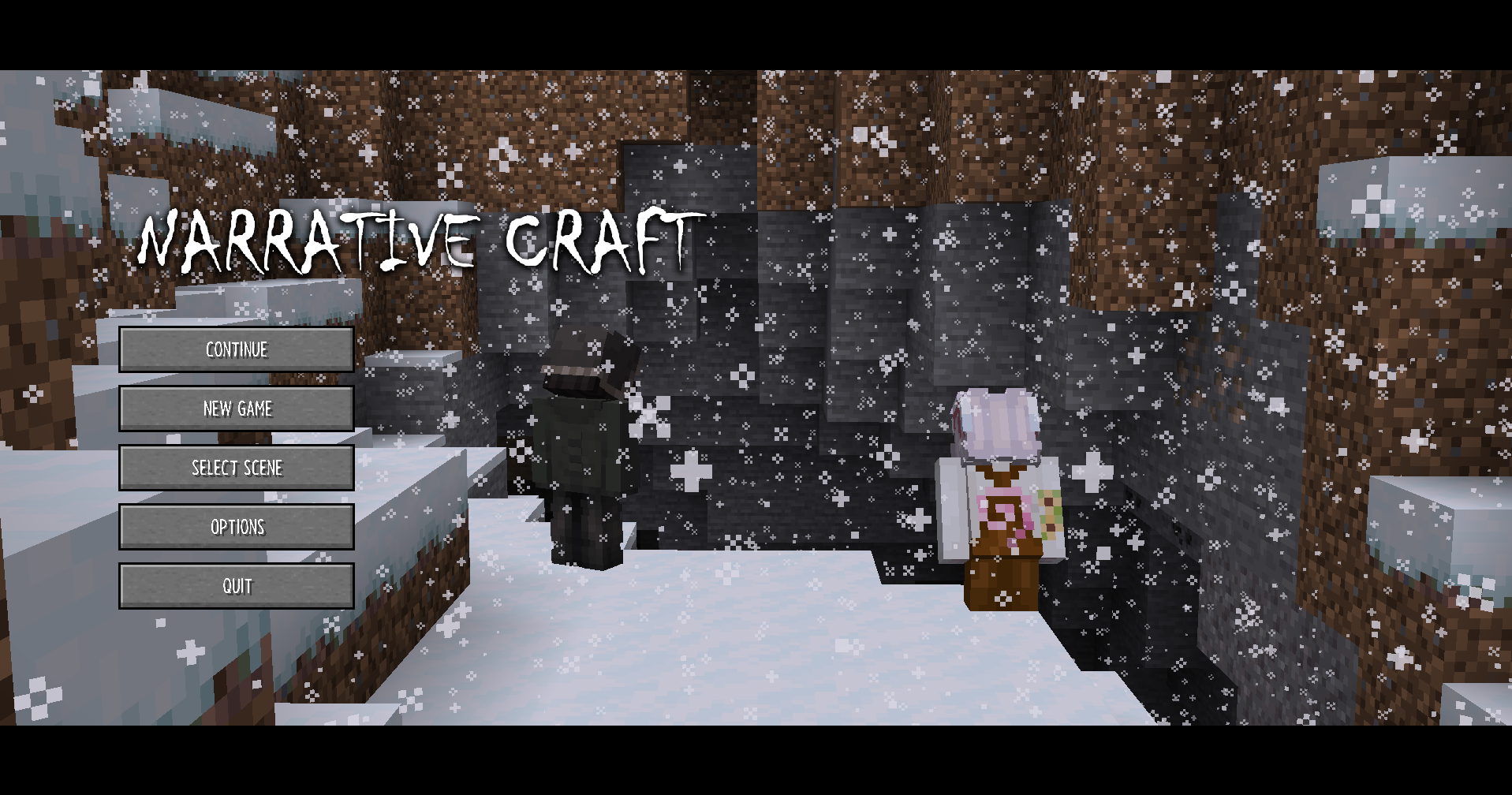
You can set a logo in narrativecraft/textures/gui/sprites/logo.png in your resource pack to display a logo that will be rendered on top of buttons
Enable main screen on join
Go back to story manager, click the gear icon, then click World Settings and set Show Main Screen on Join to yes.
Now, when you will join your world, the main screen will appear.
To leave the main screen without leaving the world, just press ctrl left 10 times and a button Leave Screen will appear at up right of the screen.